
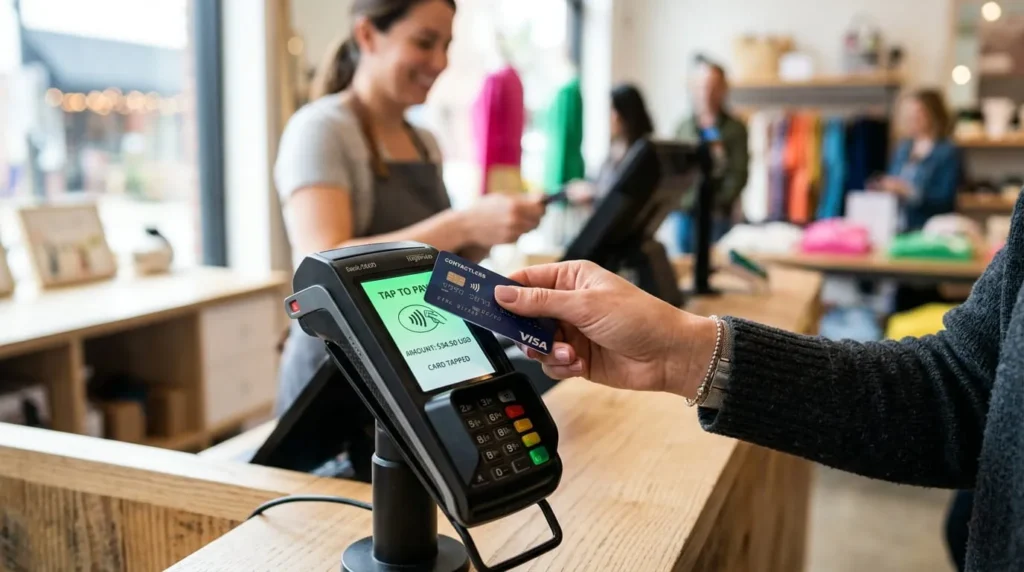

A contactless payment lets you pay by tapping your card, phone, or watch near a payment terminal. There’s no need to insert or swipe a card. The transaction runs on short-range wireless technology and finishes in about a second. Most purchases under a set dollar amount skip the signature and the PIN entirely. Contactless payment is now the default checkout method at grocery stores, coffee shops, gas stations, and transit systems across the country. This guide covers how the technology works, how secure it really is, and when a PIN still shows up.
How Contactless Payment Technology Works
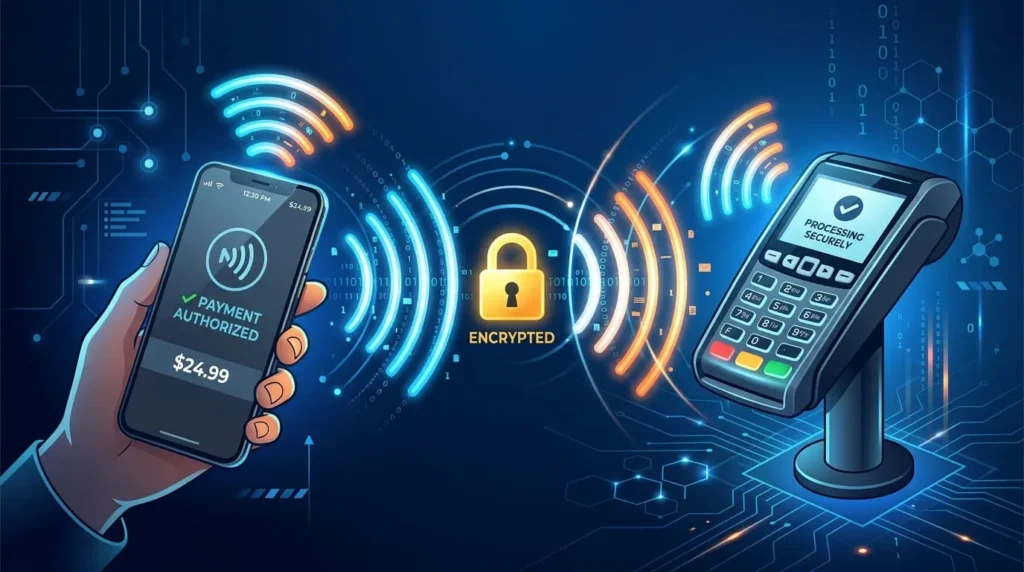
Every contactless card, phone, or watch holds a small chip and antenna. That hardware talks to a payment terminal using near field communication, or NFC. NFC is a short-range form of radio frequency identification (RFID). It only works within about two inches of the reader.
When you tap or hover your device near the terminal, the chip and reader trade encrypted data over that radio signal. This differs from how a magnetic stripe works. A swiped card sends the same static data on every purchase, which is part of why stripe cards are easy to clone. A contactless transaction instead generates a one-time cryptogram, a unique code made just for that purchase. Even if someone intercepted the signal, the code would be worthless for a second transaction. That single detail is what makes tapping meaningfully more secure than swiping, not just faster.
The Different Types of Contactless Payment Methods
Contactless payment is not one single product. It covers several devices that all rely on the same underlying NFC technology. Card networks brand this as Visa payWave, Mastercard Contactless, or American Express Contactless.
Contactless Cards
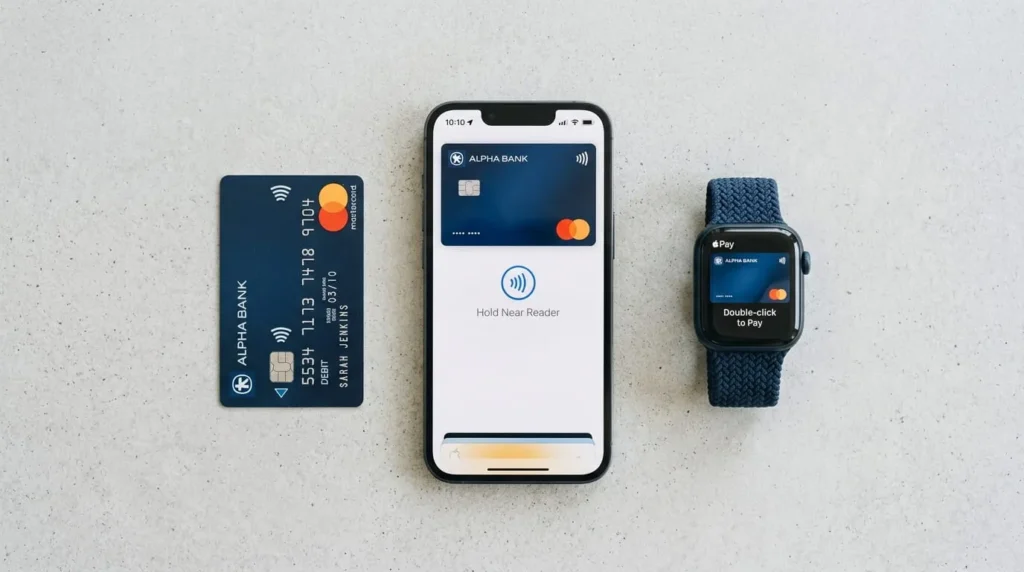
Most debit and credit cards issued in the United States since the early 2020s include a contactless chip. Look for a symbol that resembles a sideways WiFi signal on the front or back. You tap the card flat against the reader instead of inserting it into the slot. The card still has a physical EMV chip for insert transactions, so it works both ways.
Mobile Wallets
Apple Pay, Google Pay, and Samsung Pay store a digital version of your card inside your phone. Rather than transmitting your actual card number, these wallets use tokenization. Your real card details get replaced with a unique digital token tied to that device. This is why a mobile wallet tap is often considered safer than tapping a physical card. Your phone also requires a face scan, fingerprint, or passcode before it will transmit anything.
Wearable Devices
Smartwatches and fitness trackers with NFC chips work the same way as a phone. Examples include the Apple Watch and Fitbit Pay. You set up the card once inside a companion app. After that, a simple tap of the watch face against the reader completes the sale.
How to Make a Contactless Payment In Store
The process barely changes across cards, phones, and watches. Ring up the purchase as usual. Wake your phone or watch first if you are using a digital wallet, since most require an active or authenticated screen. Hold the card, phone, or watch about an inch from the terminal, near the contactless symbol. Wait for the beep, checkmark, or green light. Remove your device once the terminal confirms the payment, which usually takes a second or two.
If the terminal asks for a PIN or signature, the purchase likely crossed your card issuer’s contactless limit. It could also be a random security check, which card networks run periodically regardless of the amount.
Everyday Benefits of Using Contactless Payment
Speed at checkout is the most obvious benefit, especially in lines at coffee shops, transit stations, and pharmacies. There is also less handling of a shared card reader or PIN pad, which many people prefer for hygiene reasons. Mobile wallet users get an added benefit that physical cards cannot match. A payment notification pops up on the phone the moment a charge goes through. This makes it easier to catch a wrong amount or a fraudulent charge right away.
Is Contactless Payment Secure?
Contactless payment is generally at least as secure as inserting a chip card. With mobile wallets, it is often more secure. Three features drive that security. Encryption protects the data exchanged between your device and the terminal. Tokenization means your actual card number rarely gets transmitted at all when you pay with a phone or watch. The read range is typically under two inches, making it hard to skim a card from a pocket with a hidden reader. This contradicts a persistent myth that remote skimming happens easily in crowded places.
The bigger practical risk with a physical contactless card is loss or theft. A thief could make several small taps without ever needing a PIN, until the issuer’s limit is reached. Most US card issuers cap liability for unauthorized charges at $50 or less under federal protections. Many waive that liability entirely if you report the loss quickly.
Contactless Payments vs Chip and Swipe: Which Should You Use?
When a card supports all three methods, tapping is worth choosing by default. It is faster at checkout, and the unique per-transaction code gives it a security edge over a magnetic stripe swipe. Inserting the chip is roughly equal to tapping in security. Both rely on EMV chip technology and generate a unique code per sale. Insertion just takes a few extra seconds and requires the card to sit fully in the reader.
Treat the magnetic stripe swipe as a last resort. Use it only when a terminal cannot read the chip or the contactless antenna. It remains the least secure of the three, since it repeats identical card data on every transaction.
Spending Limits and When You Might Need a PIN
The United States has no federal limit on how much you can spend with a single tap. Some other countries cap contactless purchases by regulation, but the US does not. Instead, individual card issuers and merchants set their own thresholds. These typically fall somewhere between $100 and $200, above which the terminal prompts for a PIN or signature as an added check.
Card networks also build in randomized PIN prompts that appear occasionally, no matter the amount. This confirms the card is still in the rightful owner’s hands. Neither type of prompt means something went wrong. Both are a normal part of how contactless systems manage risk quietly in the background.
Where You Can Use Contactless Payments
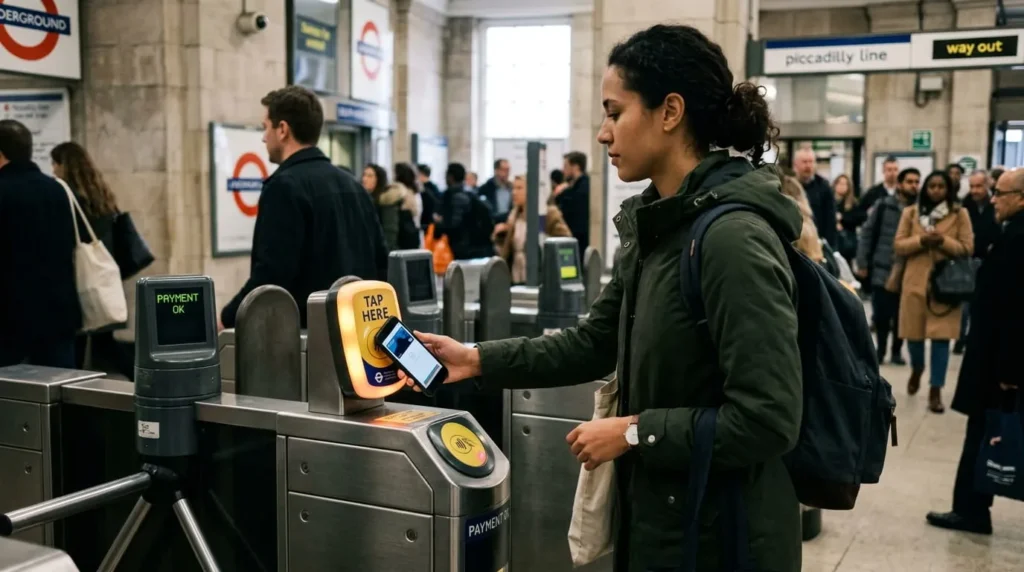
Contactless acceptance has spread well beyond retail checkout counters. Most major transit systems, including subways and buses in large US cities, now accept a direct tap of a card or phone. You no longer need a separate fare card. Parking garages, toll booths, and vending machines increasingly include NFC readers of their own. Restaurants often bring handheld terminals to the table, and many drive-through windows now accept a tap through the car window. Fuel pumps at larger gas station chains have added contactless readers alongside the traditional card slot too. Contactless support has become standard on nearly every prepaid card too, which is one more thing worth checking before picking one for budgeting or travel.
FAQ’S
1: Does contactless payment work without an internet connection on my phone?
Yes. The NFC connection between your phone and the terminal does not need WiFi or cellular data. The terminal itself needs a connection to process the sale, but your phone does not.
2: Do I still need a PIN with contactless payment?
Usually not, for purchases under your card issuer’s contactless limit. Larger purchases, or transactions randomly flagged for a security check, may still prompt for a PIN.
3: Is contactless payment the same thing as Tap to Pay?
Yes. Tap to Pay is simply the marketing term Apple and others use for contactless payment made through a phone. The underlying NFC technology is identical to a contactless card.
4: What if the terminal does not accept contactless payment?
Insert the chip instead. Nearly every US card with a contactless antenna also carries a standard EMV chip for insertion, so you have a backup option.
5: Can I turn off contactless payments on my card?
Some issuers let you disable tap payments through their banking app if you would rather not use the feature. Otherwise, you can usually request a chip-only replacement card by calling your card issuer directly.
6: Can a contactless card be scanned or hacked from a distance?
It is highly unlikely under normal conditions. The short read range and encrypted, single-use transaction codes make remote skimming impractical, despite viral claims suggesting otherwise.