

Yes, you can move money from Cash App to Venmo, but you cannot send it directly from one app to the other using a built-in transfer option. The easiest way is to transfer your Cash App balance to a bank account and then use that same bank account to add money to Venmo.
If you need the money quickly, an eligible debit card may offer another option, depending on the features available in your accounts. The best method depends on whether you want to avoid fees, get the money fast, or simply move your balance safely.
Can You Transfer Money From Cash App to Venmo Directly?
Cash App and Venmo are separate payment platforms. Cash App allows you to send payments to Cash App users, while Venmo handles payments between Venmo users. There is no official button that lets you send your Cash App balance directly to a Venmo username.
For example, if you have $75 in Cash App and want to use that money to pay someone through Venmo, you cannot enter their Venmo username inside Cash App and complete the transfer.
You need to use an intermediary, usually a bank account connected to both apps. This allows you to withdraw money from Cash App and then transfer it into Venmo.
How to Transfer Money From Cash App to Venmo
The bank account method is the most straightforward option for most people. You need a bank account that is connected to both Cash App and Venmo.
Step 1: Transfer Money From Cash App to Your Bank
First, withdraw your Cash App balance into your linked bank account.
- Open Cash App on your phone.
- Go to the Money or Banking section.
- Select the option to withdraw or cash out.
- Enter the amount you want to transfer.
- Choose Standard Transfer if you want to avoid the instant-transfer fee.
- Select your linked bank account and confirm the transaction.
Standard Cash App transfers are free and typically take one to three business days. If you choose an eligible instant transfer, a fee applies, and the money usually arrives within minutes, although delays can occur.
Cash App’s official guidance describes standard transfers as free and instant transfers as fee-based.
Step 2: Make Sure the Money Reaches Your Bank
After starting the withdrawal, check your Cash App transaction history and your bank account. Wait until the money is available before moving on, particularly if you selected a standard transfer.
If the transfer is still processing, you may not be able to use the funds in Venmo yet. Weekends, bank holidays, transfer reviews, and bank processing times can affect when the money becomes available.
Step 3: Add Money to Venmo
Once the money has reached your bank account, you can move it to Venmo if you want to maintain a Venmo balance.
- Open Venmo.
- Tap the Me tab.
- Open your Wallet or balance section.
- Tap Add Money if the option is available.
- Choose your linked bank account.
- Enter the amount you want to add.
- Review the details and confirm the transfer.
Venmo’s official instructions explain that users can add money from a linked bank or debit card through the app. Bank-funded additions may take three to five business days, while eligible debit-card additions are typically available instantly.

Can You Use a Cash App Card on Venmo?
Another option worth checking is adding your Cash App Card to Venmo as a payment method. The Cash App Card is a Visa debit card, and Venmo allows eligible debit cards to be added to accounts.
However, adding a card to Venmo does not automatically mean you can load your Venmo balance directly from that card. There is a difference between using a card to fund a payment and adding money to your Venmo wallet.
To check whether your Cash App Card can be added:
- Open Venmo.
- Go to the Me tab.
- Open Settings or Wallet.
- Find Banks and Cards.
- Choose Add a bank or card.
- Select Card and enter your Cash App Card information.
- Complete any required verification.
Venmo supports eligible Visa, Mastercard, Discover, American Express, and prepaid cards, but a particular card may still be declined.
If your Cash App Card is rejected, don’t repeatedly attempt to add it. Check that your card information is correct, the card is active, and the billing information matches your account.
Which Transfer Method Is Best?
Your best option depends on how quickly you need the money.
| Method | Cost | Typical time | Best for |
| Cash App Standard to bank | Free | 1-3 business days | Saving money on fees |
| Cash App Instant to bank | Fee applies | Usually minutes | Urgent withdrawals |
| Bank to Venmo | Generally free | Several business days | Moving money without instant fees |
| Eligible debit card | Depends on transaction | May be instant | Faster payments when supported |
The bank method is generally a good choice if you are not in a hurry. Instant transfers can save time, but fees may apply to the withdrawal or other transfer steps.
Remember that transfer times are estimates, not guarantees. Cash App and Venmo may review transactions, and the receiving bank may also affect processing.
How Much Does It Cost to Transfer Money?
The cost depends on which transfer options you choose.
Cash App standard bank withdrawals are free. Instant withdrawals charge a fee that depends on the transfer amount and eligible destination. Cash App displays the applicable fee before you confirm the transaction.
Venmo’s standard bank transfer option is generally free, while eligible instant transfers have a fee. Venmo’s published instant-transfer fee is 1.75%, with a $0.25 minimum and $25 maximum.
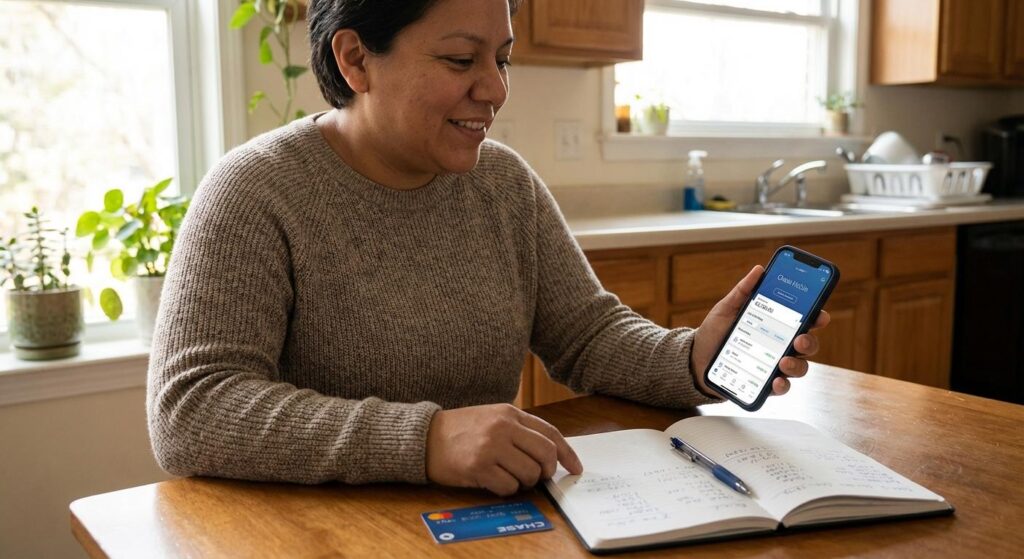
For example, if you are moving $100 between the two apps, choosing standard transfers can help you avoid instant-transfer fees. You may need to wait longer, but you will generally pay less.
Can You Transfer Money Instantly From Cash App to Venmo?
You may be able to complete parts of the transfer quickly, but a direct instant transfer between Cash App and Venmo is not supported.
The process involves two separate transactions:
- Cash App sends your balance to an eligible bank or card.
- Venmo receives money from an eligible payment method.
An instant Cash App withdrawal does not guarantee that money will instantly appear in your Venmo balance. The receiving step has its own processing requirements, and bank-funded Venmo additions may take several business days. Eligible debit-card funding may be faster.
If you need to pay someone through Venmo right away, check whether you can pay them using a linked bank account or eligible debit card instead of adding money to your Venmo balance first. Venmo says you don’t necessarily need a Venmo balance to make payments if you have a linked payment method available.
What If You Don’t Have a Bank Account?
Moving money between Cash App and Venmo without a bank account can be more difficult.
You can check whether your Cash App Card is accepted as a payment method in Venmo, but acceptance and balance-loading functionality are not guaranteed. Card compatibility may depend on eligibility, account verification, and the feature you are trying to use.
If your card cannot be linked or Venmo doesn’t allow you to add funds from it, you may need to use a bank account to complete the transfer. Avoid using strangers or unofficial money-transfer services that claim they can move your funds between apps for you.
Never share your Cash App PIN, Venmo password, verification codes, or full card details with someone offering to help.
Why Is Your Cash App to Venmo Transfer Not Working
If you have tried moving your money and something went wrong, check the following.
1. Your Debit Card Was Declined
The card may be inactive, unsupported, or rejected by the card issuer. Check your card status, billing information, and available balance. Venmo notes that card additions may be declined for several reasons, including issuer restrictions and fraud-prevention checks.
2. Your Bank Transfer Is Still Pending
Standard bank transfers can take several business days. Weekends and bank holidays can extend the wait, so avoid starting another transfer until you confirm the status of the first one.
3. You Reached a Transfer Limit
Cash App and Venmo may apply transaction limits based on account verification, transaction history, and account status. If a transfer is declined because of a limit, check the limits shown inside your app before trying a smaller amount.
4. Your Account Needs Verification
Some payment and balance features require identity verification. If the app requests verification, complete the process through the official app rather than using a link sent by someone claiming to be customer support.

How to Transfer Money Safely
Before moving your balance, make sure you are using your own verified accounts and payment methods. Double-check the amount, destination bank, and transaction details before confirming.
Keep these precautions in mind:
- Only use the official Cash App and Venmo applications.
- Don’t share passwords, PINs, or one-time verification codes.
- Avoid third-party transfer offers from strangers.
- Check the fee displayed before choosing an instant transfer.
- Keep receipts and transaction records if you are moving a large amount.
- Contact support through the official app if a transfer appears missing.
A transfer that is already processing may not be cancellable, so confirm your details carefully before tapping the final confirmation button.
Final Answer: Can You Send Money From Cash App to Venmo?
Yes, you can move money from Cash App to Venmo indirectly, but there is no official direct transfer feature between the two apps. The bank-account method is usually the simplest option: withdraw your money from Cash App to your bank, then add it to Venmo if needed. Standard transfers are generally free but take longer, while eligible instant transfers may cost a fee. Always check the transfer options and fees inside each app before sending money.