
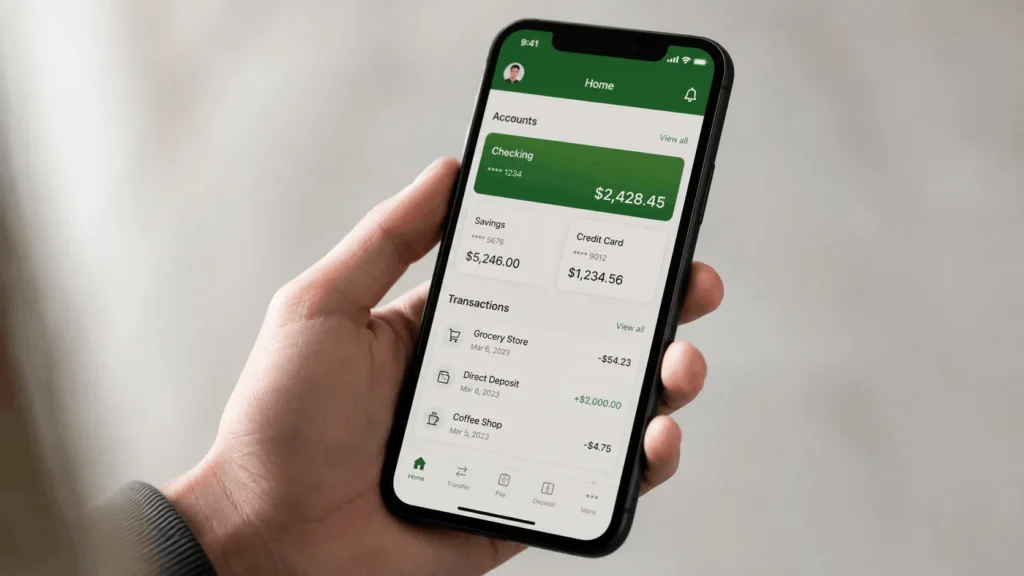

Closing a Chime account is not something you can do with a single tap in the app. Chime requires you to contact support directly, and the account has to meet a few conditions first, or the request gets delayed or rejected. Once the closure goes through, there is no undoing it. Chime does not allow closed accounts to be reopened, so it is worth getting the process right the first time.
This guide walks through exactly what to check before you request closure, how to submit the request, what happens to your remaining balance, and how to handle the situations that commonly slow the process down.
Before You Close Your Chime Account
Chime will not process a closure request if your account is not in the right state. Handle these four things first, or plan on your request bouncing back.
Download Your Statements and Tax Documents
Once your account is closed, you lose access to the app and everything in it. Go to Profile, then Documents, and save any statements or tax forms you might need later. Chime does not resend these after closure, so this step is easy to forget and hard to fix afterward.
1: Move Your Remaining Balance
Transfer whatever is left in your Chime Checking and Savings accounts to an external bank account before you request closure. This is the part most people get wrong. If you skip it, Chime will still close the account, but you will wait longer for your money and receive it as a paper check instead of an instant transfer.
2: Clear Any Negative Balance
Accounts with a negative balance cannot be closed. If your balance is below zero, whether from an overdraft, a returned deposit, or a pending dispute, you will need to bring it back to zero or positive first. Chime will tell you the exact amount owed if you contact support while a negative balance is still open.
3: Cancel Recurring Payments and Direct Deposits
Update your paycheck direct deposit, subscription payments, and any automatic transfers before you close the account. If a payment tries to hit a closed account, it will bounce, and that can create delays with whoever was expecting the payment, not just with Chime.
How to Close a Chime Account, Step by Step
Once the account is ready, closing it takes three steps.
Step 1: Contact Chime Support Directly
There is no closure button inside the app. You have to reach a support agent, either through the in-app chat, by calling Chime’s support line, or through the Chime Help Center. In-app chat tends to be the fastest option since it keeps a written record of your request.
Step 2: Request the Closure in Writing
Tell the agent clearly that you want to close your account. Be specific rather than vague, since a request that only mentions a problem with your card or a dispute may get routed to a different team instead of triggering closure. State your full name and account details so the request can be matched to your account without back and forth.
Step 3: Confirm and Wait for Processing
Chime processes closure requests within five business days. During that window, you can typically still cancel the request if you change your mind, so do not assume the account is gone the moment you hit send. You will get a confirmation once the closure is complete, and it is worth saving that message for your records.
Closing a Chime Credit Builder Account
Closing a secured Credit Builder account follows a separate process from closing your Checking account, and it deserves its own attention because of the credit score angle. You still need to contact support to request the closure, but if the account carries a negative balance, pay it off first. Closing a secured account with money still owed can hurt your credit score, since the balance may get reported as unpaid rather than settled. If you are also closing your Checking account, mention both accounts in the same support conversation so nothing gets left open by accident.
What Happens After Your Chime Account Is Closed
Once closure is confirmed, a few things happen automatically.
Your remaining balance, if you did not transfer it out beforehand, is issued as a refund check. Chime sends this within 14 days of the closure date. If that 14th day lands on a weekend or holiday, the check goes out on the next business day instead, and delivery itself can take up to 30 days from the closure date.
You lose access to the app immediately. There is no login, no transaction history, and no way to message support through the closed account. This is another reason to download statements before, not after, you submit the request.
The account itself cannot be reopened under any circumstances. If you want to use Chime again later, you will need to sign up as a new customer and go through account verification from scratch.
What If Your Refund Check Is Late
If Chime takes longer than 14 days to refund a balance of $10 or more after closing your account, you may be entitled to compensation under a 2024 enforcement action from the Consumer Financial Protection Bureau. The CFPB found that Chime had a pattern of delaying these refunds, and the resulting order set compensation at $150 or more for affected customers. If your check is significantly overdue, this is worth raising directly with Chime support, since it is a documented obligation rather than a courtesy request.
Can You Cancel a Closure Request You Already Submitted
Yes, within the five business day processing window. Contact support again and tell them you want to stop the closure before it finalizes. Once the account shows as closed, this option is gone, and reopening is not possible no matter how soon after closure you ask.
If Chime Closed Your Account Instead of You
Sometimes the account closes without you requesting it. Chime and its banking partners are required to follow federal rules around fraud prevention and customer identity verification, and accounts get flagged or closed when something trips those rules. Common triggers include unusual transaction patterns, disputed or reversed charges, login attempts from unfamiliar devices, long stretches of inactivity, or using the account for business transactions, which Chime’s personal account terms do not permit.
If this happens to you, contact support and ask specifically why the account was closed. In many cases the closure is final and cannot be appealed, but you are still entitled to your remaining balance through the same refund process described above.

Frequently Asked Questions
1: How long does it take to close a Chime account?
The closure itself is processed within five business days of your request. Getting your refund, if you have a remaining balance, can take up to 14 days to be issued and another 30 days to arrive by mail.
2: Will closing my Chime account affect my credit score?
Closing a standard Checking or Savings account has no direct effect on your credit score, since Chime does not report those accounts to credit bureaus. Closing a Credit Builder account with an unpaid balance can affect your score, so pay it off first.
3: Can I close my account entirely through the app?
You can start the request through the in-app chat, but you cannot close the account with a self-service toggle. A support agent has to process the request on their end.
4: What if I have a negative balance and want to close my account?
You will need to bring the balance to zero before Chime will process the closure. Contact support to confirm the exact amount owed and how to pay it.
5: What happens to my Chime card after I close my account?
The card is deactivated as soon as the account closes and can no longer be used for purchases, ATM withdrawals, or online payments.